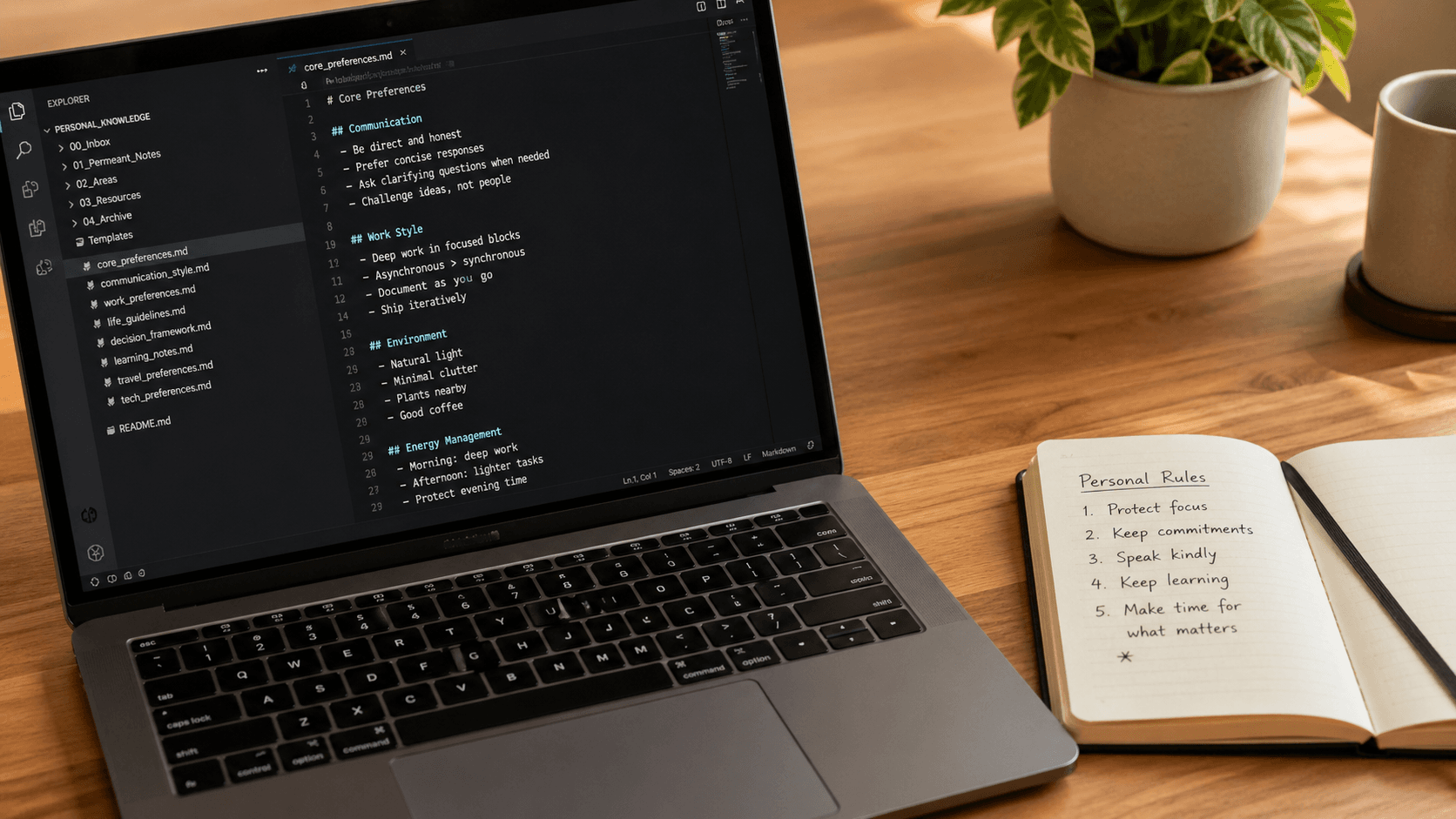
Use cases ↗Snap a package.
Snap a package.
Get a checklist.
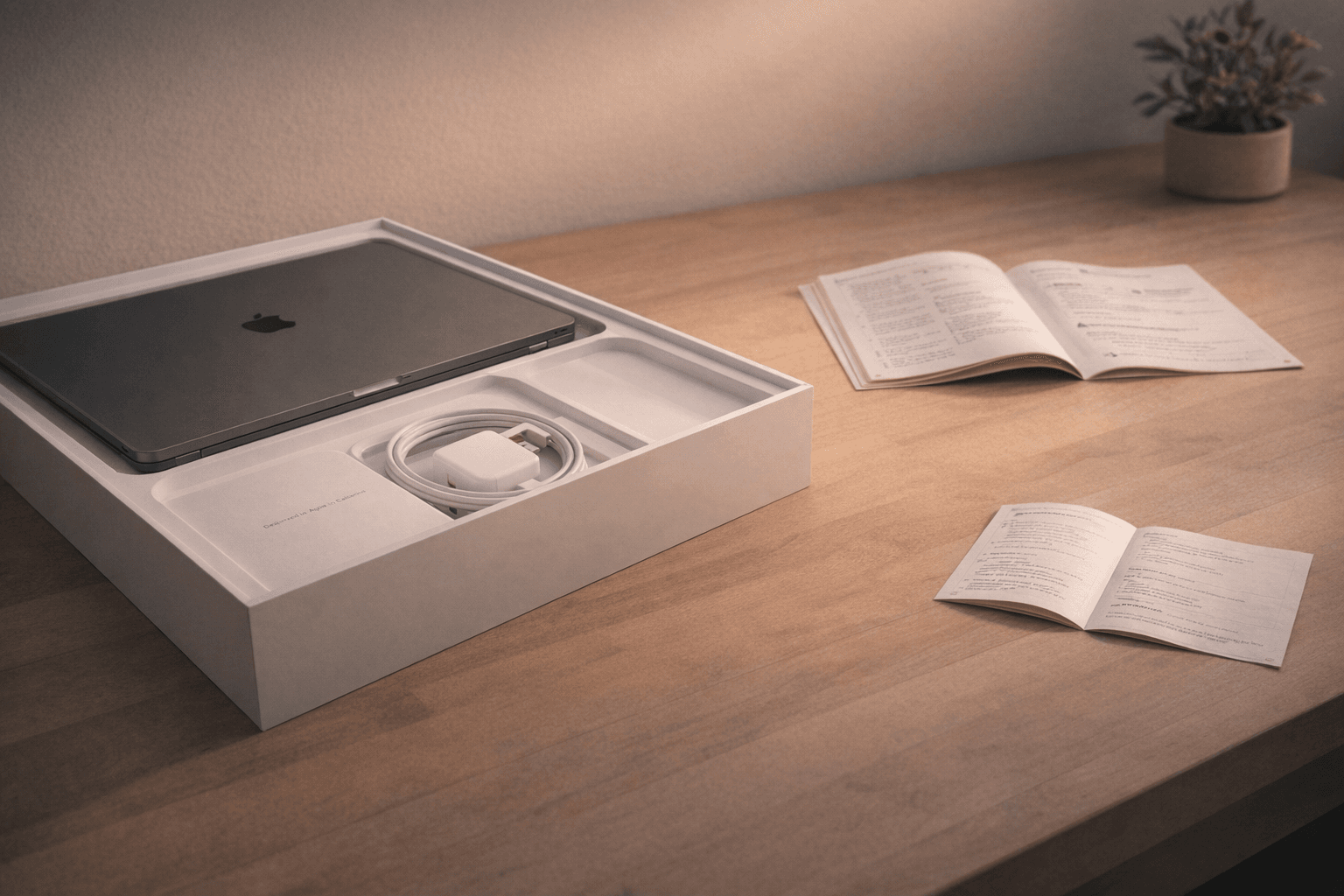
Photo a product box, manual, or spec sheet. Ask your AI to make a setup or unboxing checklist. It saves straight to List, ready to run step by step.
List.
AllSetupTech
Sonos Era 300 setup
6 steps · completed
Setup
Download Sonos app
Plug in and wait for light ring
Add to room in Sonos app
Run Trueplay tuning
MacBook Pro setup
10 steps · from photo
Setup
Charge to 100% before first use
Complete macOS setup assistant
Sign in with Apple ID
Set up Touch ID and password
Run Software UpdateFirmware updates included
Install Rosetta 2 if needed
Vitamix blender
4 steps
Setup
Wash container before first use
Run self-cleaning cycle
How it works
1
Snap the box or manual
Take a photo of any product packaging, quick-start guide, or spec sheet and share it with your AI.
2
Ask for a checklist
Your AI reads the image and builds a step-by-step setup list, including the steps manufacturers bury in the fine print.
3
Work through it in List
The checklist saves to List. Check off steps as you go, add your own notes, and share it with anyone who needs it.